
-
×
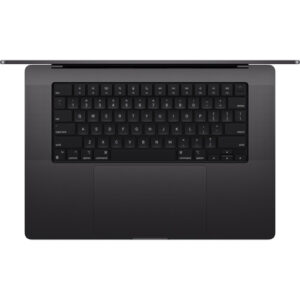 Apple 16" Macbook Pro (M4 Max, Silver, NT)
- Estimated delivery:
on 26 April - 7 June, 2026
-
×
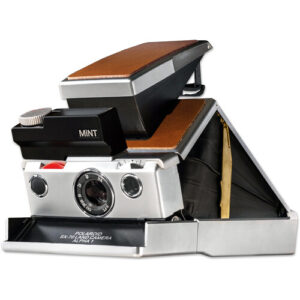 Mint Camera SLR670-S i-Type Instant Film Camera
- Estimated delivery:
on 26 April - 7 June, 2026
-
×
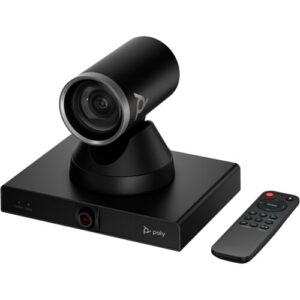 Poly Studio E60 4K Smart MPTZ Camera with 12x Optical Zoom
- Estimated delivery:
on 26 April - 7 June, 2026
-
×
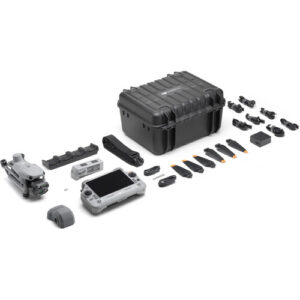 DJI Matrice 4T Drone with 1-Year Care Enterprise Plus
- Estimated delivery:
on 26 April - 7 June, 2026
-
×
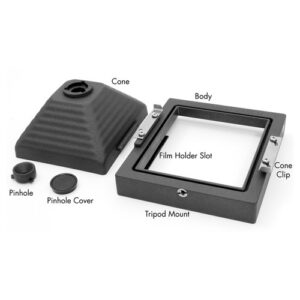 HARMAN technology TiTAN 4 x 5" Pinhole Camera
- Estimated delivery:
on 26 April - 7 June, 2026
-
×
 MSI 27" Modern AM272P 1M All-in-One Desktop Computer
- Estimated delivery:
on 26 April - 7 June, 2026
-
×
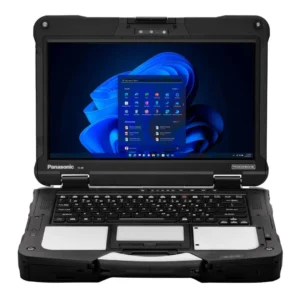 Panasonic 14" TOUGHBOOK 40 Mk2 Multi-Touch Laptop
- Estimated delivery:
on 26 April - 7 June, 2026
-
×
 FUJIFILM INSTAX WIDE EVO Hybrid Instant Film Camera
- Estimated delivery:
on 26 April - 7 June, 2026
-
×
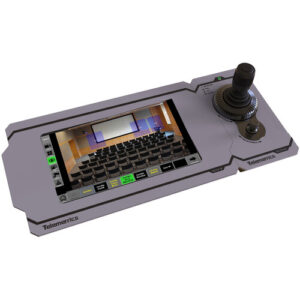 Telemetrics RCCP-M Modular Robotic PTZ Camera Control Panel
- Estimated delivery:
on 26 April - 7 June, 2026
-
×
 Tula Microphones The Tula Mic
- Estimated delivery:
on 26 April - 7 June, 2026
-
×
 ASUS 15.6" 64GB Chromebook CX1
- Estimated delivery:
on 26 April - 7 June, 2026
-
×
 HP 16" ZBook Fury 16 G11 Mobile Workstation
- Estimated delivery:
on 26 April - 7 June, 2026
-
×
 CORSAIR VENGEACE a8200 Gaming Desktop Computer
- Estimated delivery:
on 26 April - 7 June, 2026
-
×
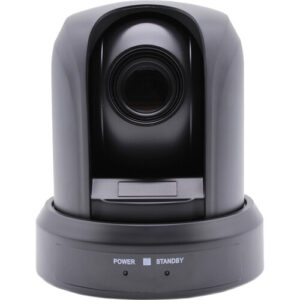 Alfatron 1080p USB 2.0 PTZ Camera with 10x Optical Zoom
- Estimated delivery:
on 26 April - 7 June, 2026
Subtotal: $26,805.07





There are no reviews yet.